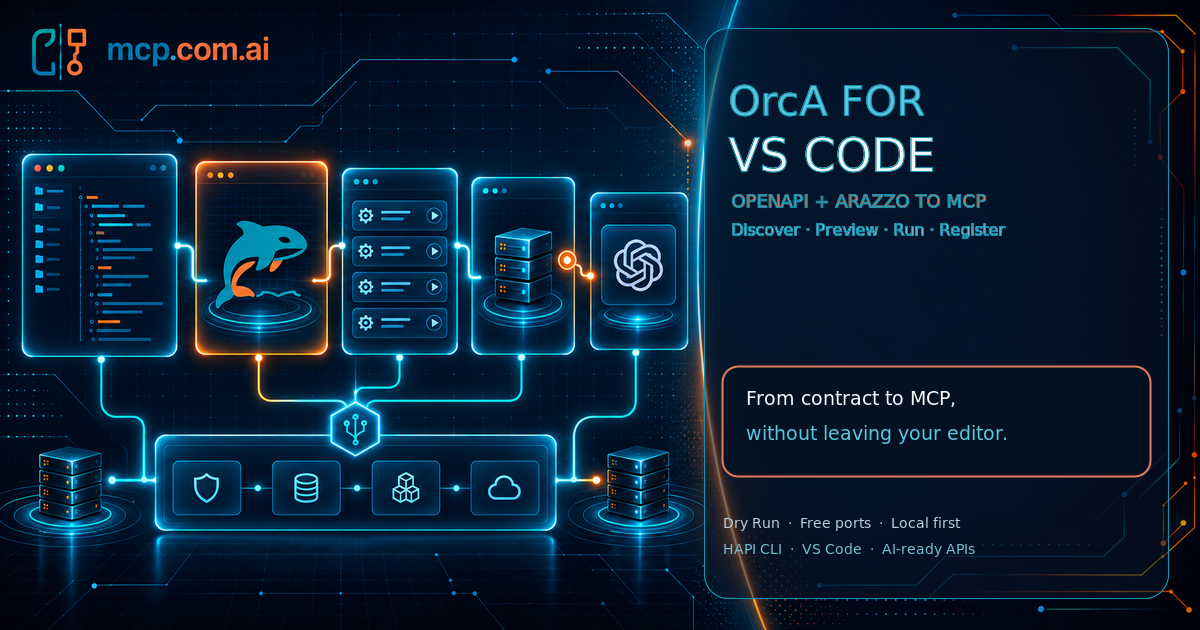
Your API contracts live in your editor. Until today, your MCP servers lived somewhere else: a terminal running a CLI, a browser tab with a console, a dashboard for deployments, and a doc page you kept re-reading. OrcA puts that whole journey in one place.
13 posts tagged with "MCP"
MCP is an open protocol for connecting LLM apps to external data sources and tools, enabling seamless integration and interoperability.
View All Tags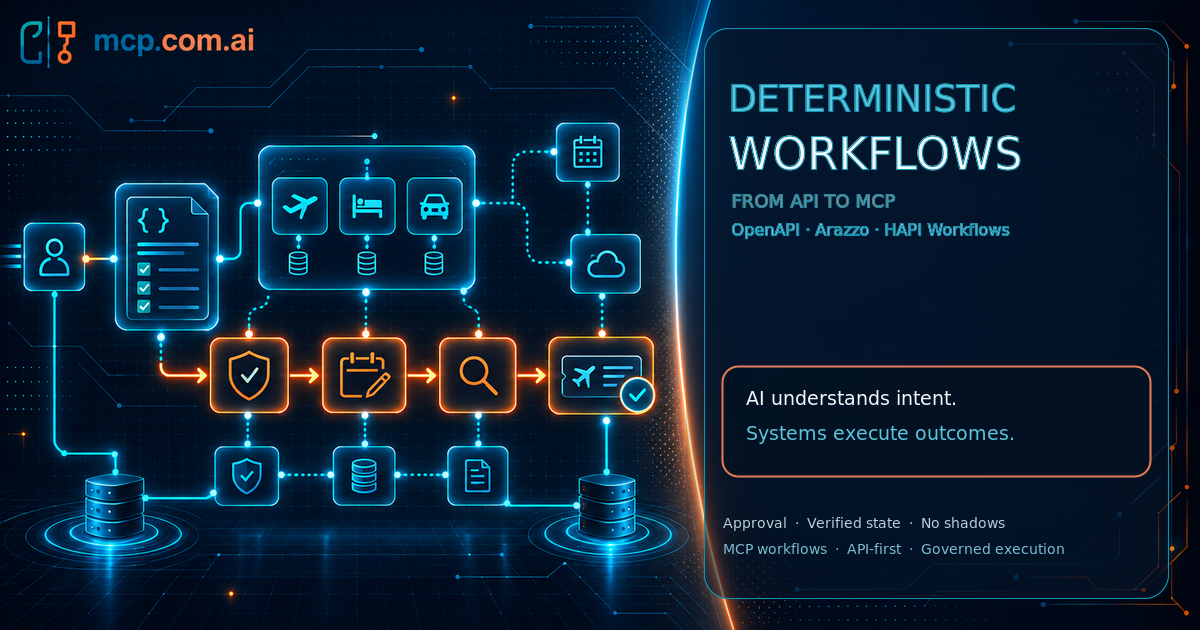
An AI agent can understand what a person means. It should not improvise how a production business process runs.
The architecture is simple:
AI interprets intent. APIs define the rules. Deterministic workflows execute approved outcomes.
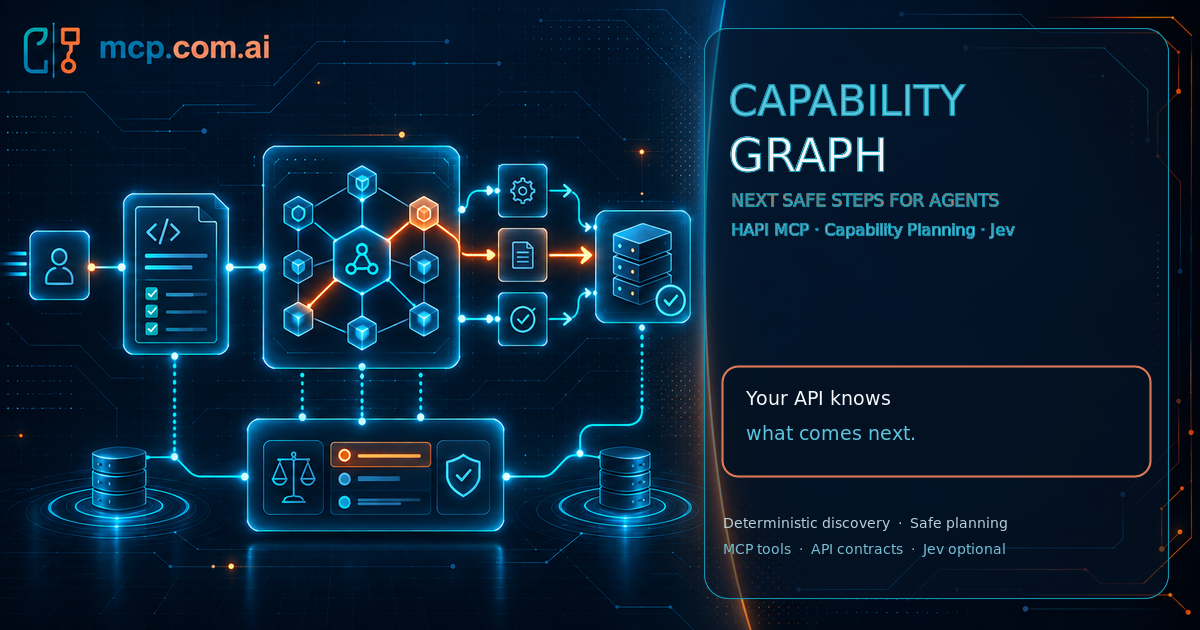
A common problem in production happens when an agent can see many tools, but it still needs to know which action is appropriate now, what must happen first, and when it should stop and ask. The non-deterministic nature of AI agents makes this particularly challenging without structured guidance.
The HAPI Capability Graph and Capability Planning address this problem by providing structured guidance for the agent.
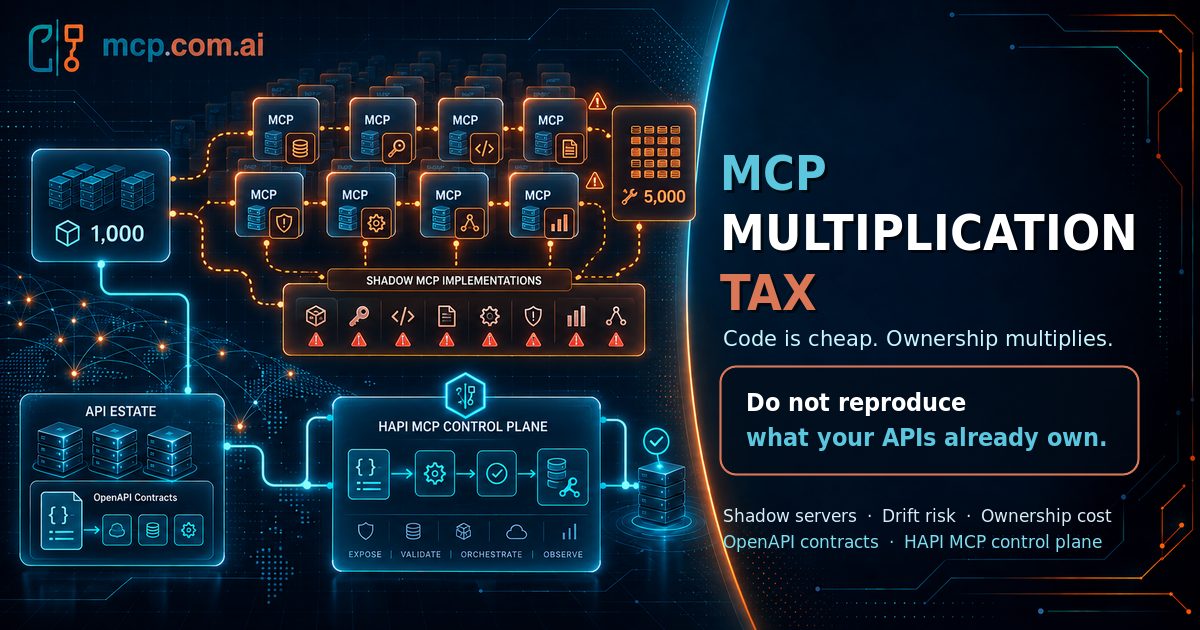
AI has dramatically reduced the cost of writing code. It has not reduced the cost of owning it.
That distinction may become one of the most important architecture lessons of the AI era.
Today, almost anyone inside an engineering organization can open an AI coding assistant and say:
"Here is my API. Build an MCP server for it."
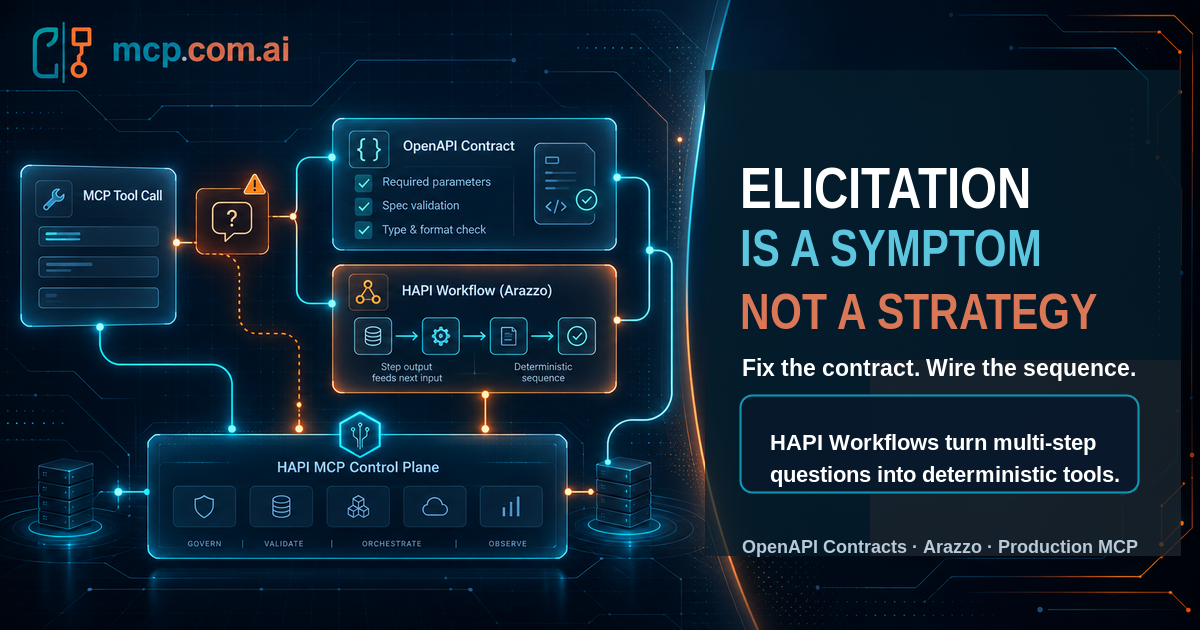
If your tool server needs to interrupt the model to ask a question, ask why the question wasn't answerable before the call started.
MCP elicitation is a real, spec-defined capability, and it solves a real problem. It's also becoming a convenient place to hide a design problem instead of fixing it.
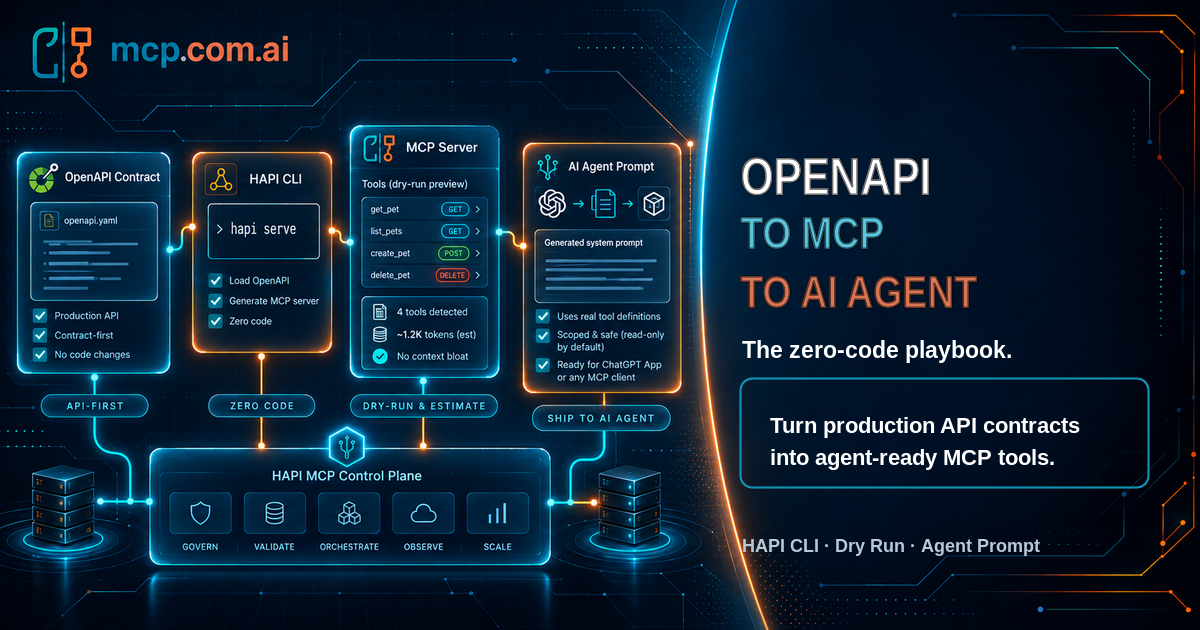
Your API is already production-hardened. It has authentication, validation, rate limits, monitoring, and a battle-tested OpenAPI spec describing every operation. None of that changes when an AI agent becomes the caller instead of a browser or a mobile app.
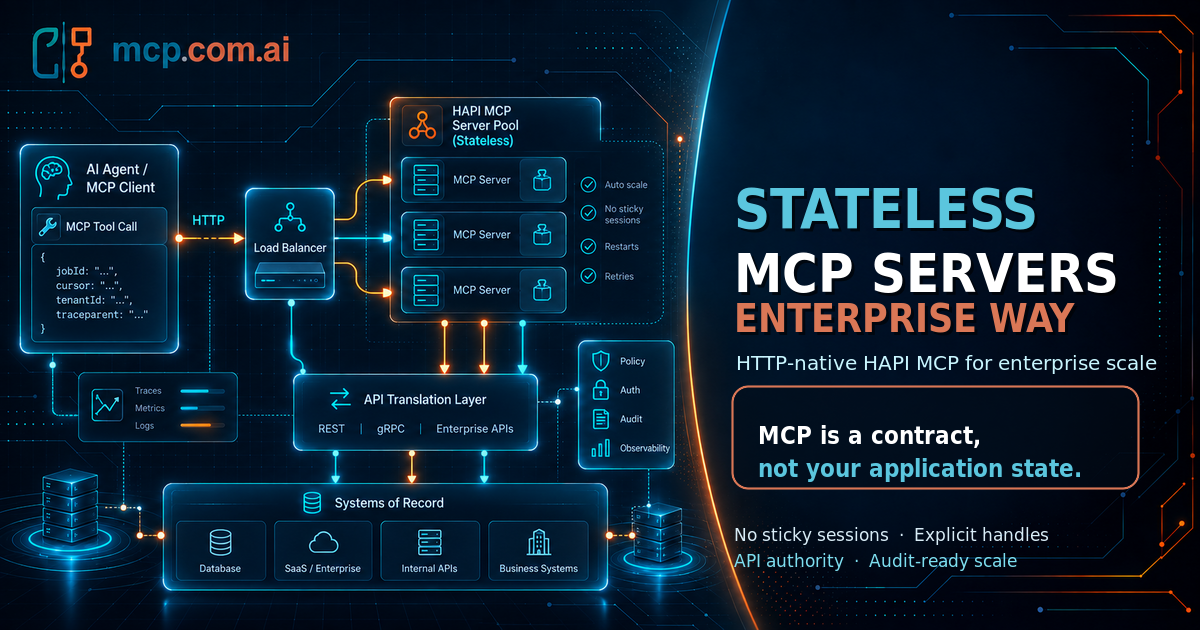
The most valuable MCP server may be the one that refuses to become your application.
MCP is moving toward a clearer architectural truth: servers should be stateless.
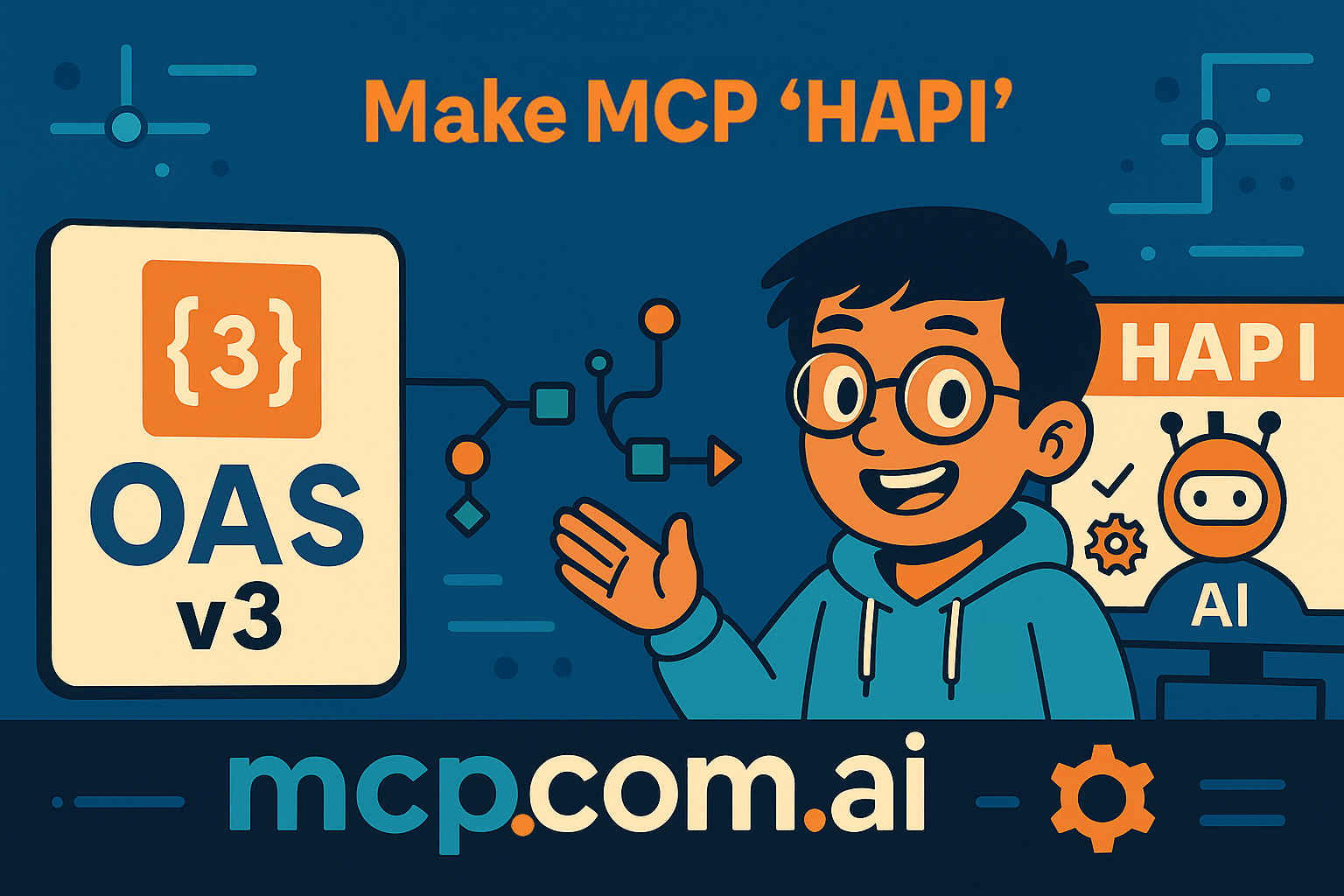
You want your API to be instantly usable inside AI assistants like ChatGPT, and Web UIs. The OpenAI UI SDK plus the Model Context Protocol (MCP) lets you expose your API as structured tools that large language models can call directly.

For years, OpenAPI (OAS) has been the cornerstone of how we describe, document, and integrate APIs. It standardized how systems talk to each other — and in many ways, it made the modern internet possible.
So when the Model Context Protocol (MCP) appeared, some developers were skeptical. "Another spec?" they asked. "Why do we need this when we already have OAS?"

This guide demonstrates how to use the OpenAI Response API to integrate with the Model Context Protocol (MCP) for seamless, AI-driven API interactions. You will learn how to generate a REST API specification with Postman's AI Agent, deploy it as an MCP server using HAPI Server, and connect it through OpenAI's Response API for testing.