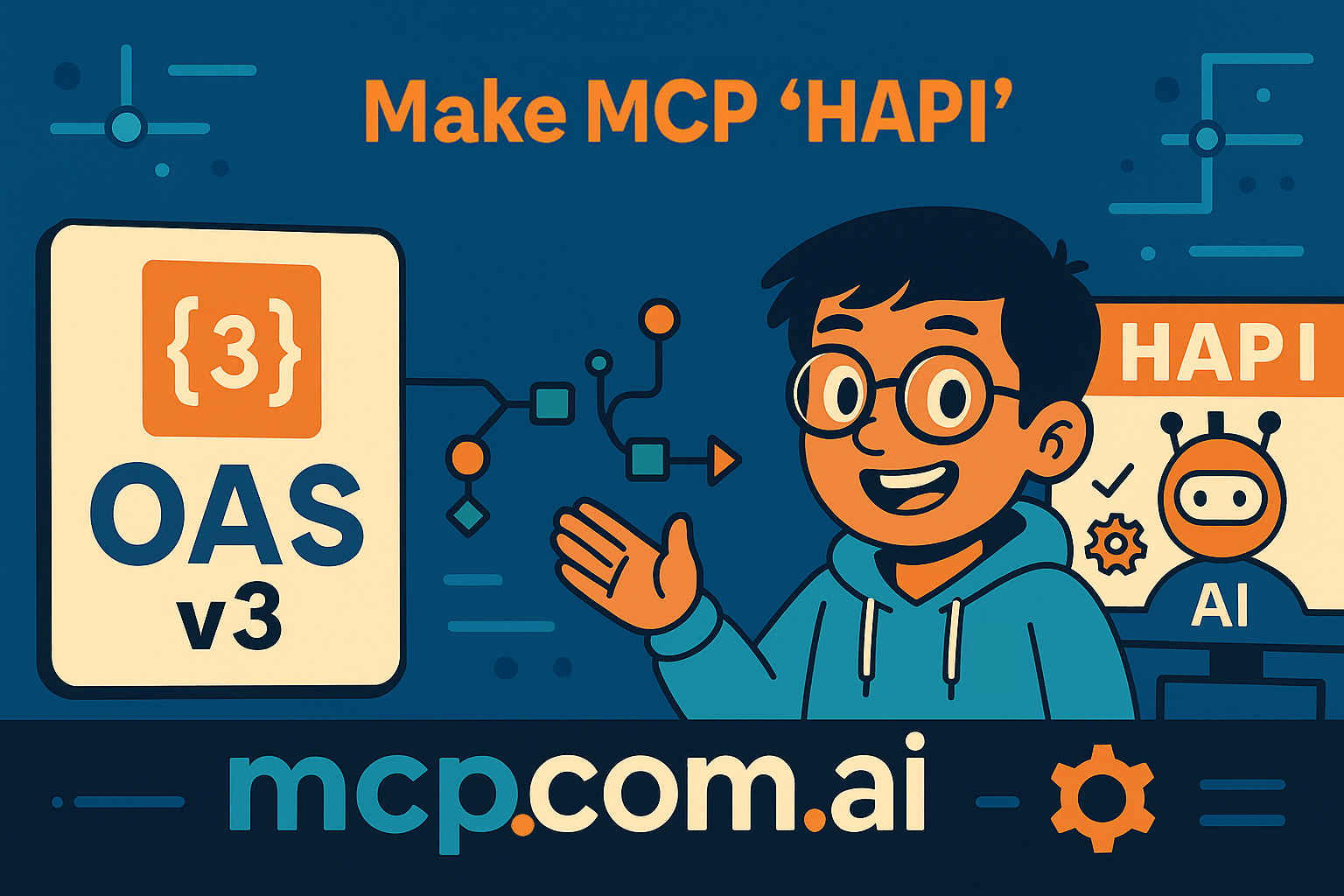
Integrate the OpenAI UI SDK for ChatGPT With MCP in 60 Seconds

You want your API to be instantly usable inside AI assistants like ChatGPT, and Web UIs. The OpenAI UI SDK plus the Model Context Protocol (MCP) lets you expose your API as structured tools that large language models can call directly.
In this hands-on guide, you deploy a fully functional MCP server from any OpenAPI 3.0 specification and make it usable by ChatGPT and other MCP-aware clients in under a minute using HAPI MCP. You learn to deploy using cloud and on‑premises workflows.
Just two months ago, I wrote about how OpenAI announced the custom MCP (Model Context Protocol) interface to allow developers to integrate their APIs directly into ChatGPT, but there was this caveat: Developers would need to implement two tools, a "search" tool to find relevant information and a "fetch" tool to retrieve that information. Today, with the OpenAI UI SDK, that process is greatly simplified.
Why Integrate Your API With the OpenAI UI SDK via MCP?
- You expose real-time, authoritative data to ChatGPT and other MCP-aware clients.
- You eliminate brittle prompt engineering for retrieval and action execution.
- You accelerate feature delivery—turn any supported OpenAPI spec into tool metadata.
Architecture Overview
The deployment flow:
- Provide an OpenAPI 3.0+ JSON or YAML spec.
- HAPI MCP ingests paths, methods, parameters, and schemas.
- Tools are generated with typed argument definitions.
- The MCP server exposes a JSON-RPC style interface consumable by the OpenAI UI SDK or other MCP-clients.
- Clients query available tools, then issue structured calls.
Key Components
| Component | Role |
|---|---|
| OpenAPI Spec | Source of truth for endpoints, params, schemas |
| HAPI MCP CLI / Cloud | Transforms spec → MCP tool registry |
| MCP Server | Serves tool metadata and handles invocations |
| Client Runtime | ChatGPT / custom app calling tools |
Prerequisites
- An OpenAPI 3.0+ spec URL or local file (JSON or YAML).
- A workstation with terminal access, only if you plan to use the HAPI MCP CLI (on-premises deployment).
- Basic familiarity with REST API concepts (no MCP experience required).
- Optional: A converted OAS 2.0 (Swagger) spec if you start from legacy format.
Quick Answer: What Is the Fastest Way to Get an API Inside ChatGPT?
Provide an OpenAPI 3.0 spec to HAPI MCP (cloud or CLI), start the MCP server, then connect ChatGPT custom tools configuration at the generated endpoint.
Cloud Deployment (Fastest Path)
- Open the run portal:
https://run.mcp.com.ai/?oas=<YOUR_OPENAPI_SPEC_URL>&apiServer=<OPTIONAL_BASE_URL> - Replace
<YOUR_OPENAPI_SPEC_URL>with a direct spec URL (must be publicly accessible). - (Optional) Replace
<OPTIONAL_BASE_URL>with your API server base URL if needed - not all specs include server definitions. - Wait for provisioning; you receive an MCP server endpoint URL.
- Use that URL in the ChatGPT Apps & Connectors settings.
- Validate tool listing (see Validation section below).
Example URL
https://run.mcp.com.ai/?oas=https://example.com/openapi.json
On-Premises Deployment With HAPI MCP CLI
- Install the CLI Download the latest release and install the HAPI MCP CLI executable, depending on your OS.
Or install via Bun/npm:
bun install -g @la-rebelion/hapimcp
- Verify installation:
hapi --version
- Start a local MCP server (using a spec alias - located in
HAPI_HOME/specs):
hapi serve petstore --headless
- Or specify a direct spec URL:
hapi serve my-api --openapi="https://example.com/openapi.json" --headless
- Capture the printed MCP server endpoint (e.g.,
http://localhost:3000/mcp). - Add that URL to ChatGPT Apps & Connectors settings.
Deploy to Cloud via CLI
- Run:
hapi deploy strava --var HAPI_OPENAPI:"https://docs.mcp.com.ai/apis/openapi/strava.json"
- Use
--dry-runto inspect generated YAML or JSON before committing:
hapi deploy strava --var HAPI_OPENAPI:"https://docs.mcp.com.ai/apis/openapi/strava.json" --dry-run
- Store returned endpoint URL for ChatGPT integration.
Converting Swagger (OAS 2.0) to OpenAPI 3.0+
Don't have an OpenAPI 3.0+ spec? Convert from Swagger (OAS 2.0) using these steps:
- Use the official online converter:
curl -X POST -H "Content-Type: application/json" \
  -d @swagger.json https://converter.swagger.io/api/convert \
  -o openapi3.json
- Confirm version:
grep '"openapi"' openapi3.json
- Fix any
schemavsdefinitionsmismatches manually if needed. - Retry deployment with the new file.
Validating Your MCP Server
- List tools:
curl -s https://your-mcp-endpoint.example/mcp/tools | jq
- Call a tool (example POST body):
curl -X POST https://your-mcp-endpoint.example/mcp/call \
  -H 'Content-Type: application/json' \
  -d '{
    "tool":"getPetById",
    "params":{"petId": 123}
  }'
- Check response latency; target < 1s for best conversational UX.
- Log errors; ensure input validation messages are concise and actionable.
- Confirm schema alignment with expected OpenAPI parameter types.
Frequently Asked Questions
How fast can you expose an API to ChatGPT?
You can expose a spec-driven API in under 60 seconds using the cloud portal or a single CLI command.
Do you need to write glue code?
You do not need custom tool wrappers; HAPI MCP converts spec operations automatically.
Can you use private specs?
Yes. Host the spec behind authenticated access or load from a local file via CLI.
What formats are supported?
OpenAPI 3.0+ JSON or YAML. Convert OAS 2.0 (Swagger) before deployment.
Is this limited to ChatGPT?
No. Any MCP-aware client (custom apps, open-source chat UIs) can consume the server.
Conclusion
You now have a repeatable path to transform any OpenAPI 3.0+ specification into a production-ready MCP server consumable by the OpenAI UI SDK and AI assistants. By following validation, conversion, and optimization steps, you improve tool discoverability. Next, refine schema descriptions and add automated integration tests to ensure durable quality as your API evolves.
Your APIs are now ready to be seamlessly integrated into ChatGPT and other MCP-aware clients, unlocking new possibilities for AI-driven interactions. Stop wasting time writing MCP Server code manually—leverage HAPI MCP to accelerate your AI integration journey!
Be HAPI and Go Rebels! ✊🏽