Saltar al contenido principal

Something subtle but massive just happened in developer tooling. The IDE Is No Longer the Center of Development — Agent Orchestration Is.

For decades, the IDE was the center of software development. Everything revolved around it: edit → run → debug → commit.

Now something else is emerging.

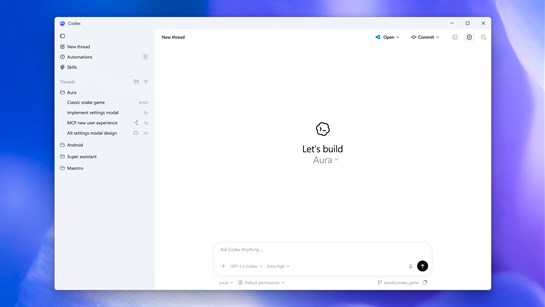
A control plane for AI agents.
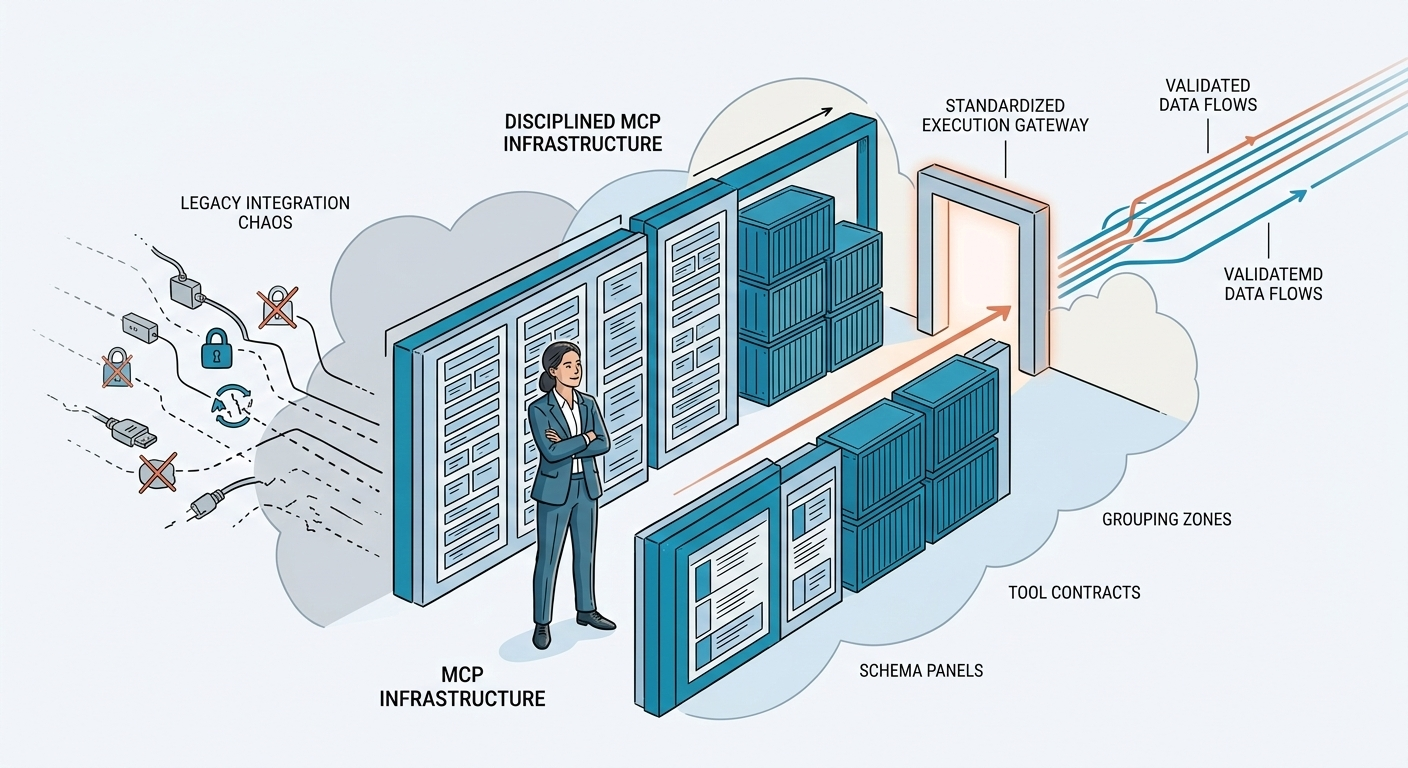
You’ve built an MCP server. It accesses data, performs actions, and works perfectly in your local development environment.

Now what?

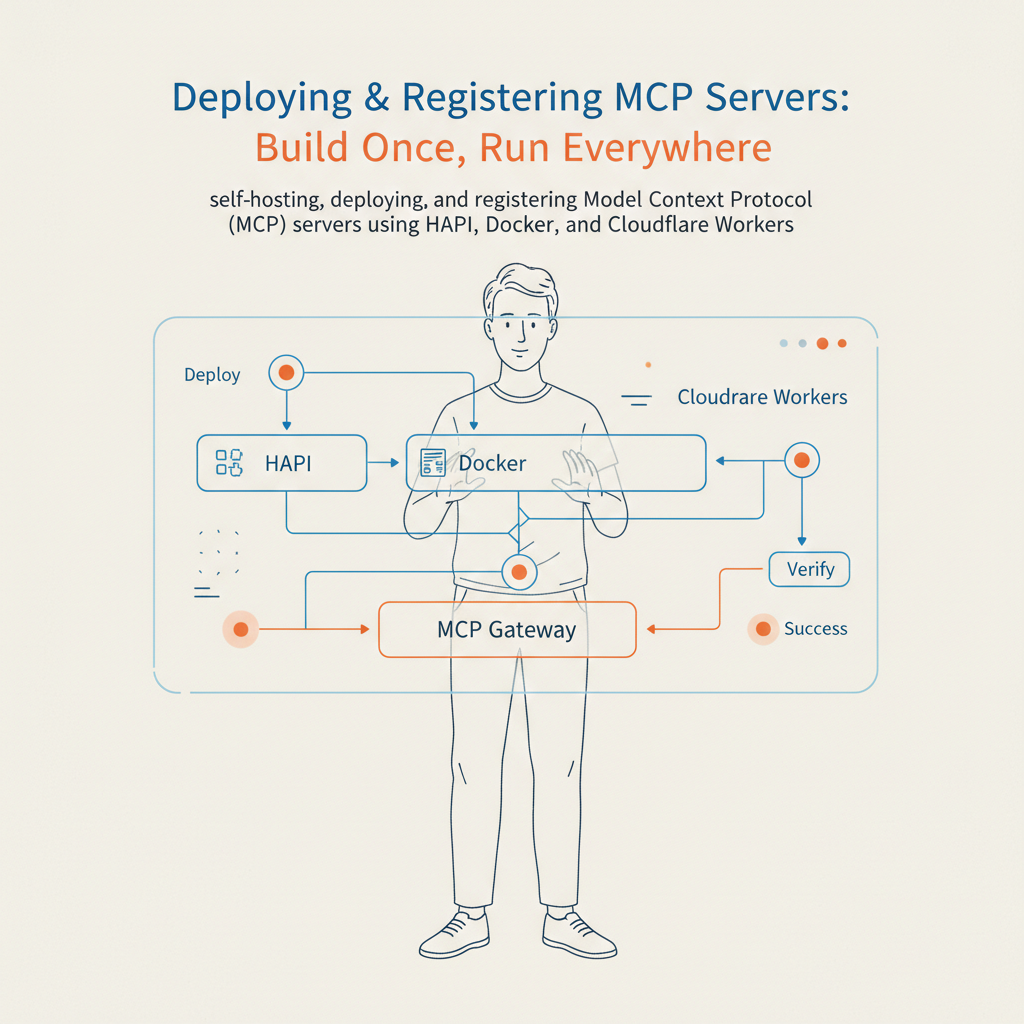
To make your tools truly useful, they need to be accessible—whether by your team, your organization, or the global community of AI developers. This guide covers how to take your MCP server from localhost to production, and how to register it so it can be discovered.

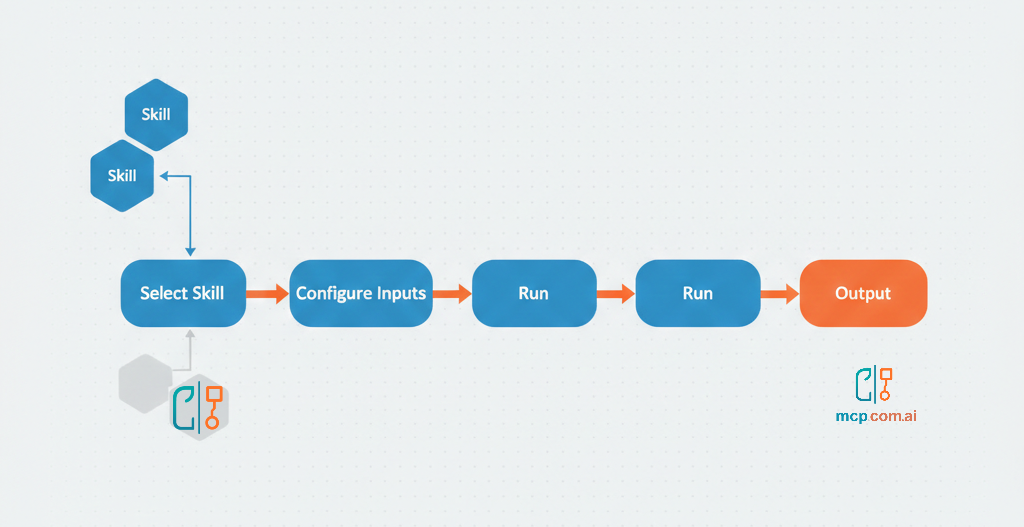
In the rapidly evolving landscape of AI, Skills have emerged as a transformative force, enabling developers to extend the capabilities of AI models far beyond their native functions. Whether you're building chatbots, virtual assistants, or complex AI-driven applications, mastering Skills is essential to unlocking new levels of performance and user engagement.

Setting up a Model Context Protocol (MCP) server is easier than you might think! It is a straightforward process that doesn't require extensive DevOps skills. Whether you're testing, packaging, or scaling globally, the HAPI MCP Stack equips you with everything you need to launch your server in just seconds.

In this guide, we'll explore 4 different ways to run and deploy MCP servers using the HAPI CLI.

Bonus: Agent Skills provided to automate MCP server deployment.