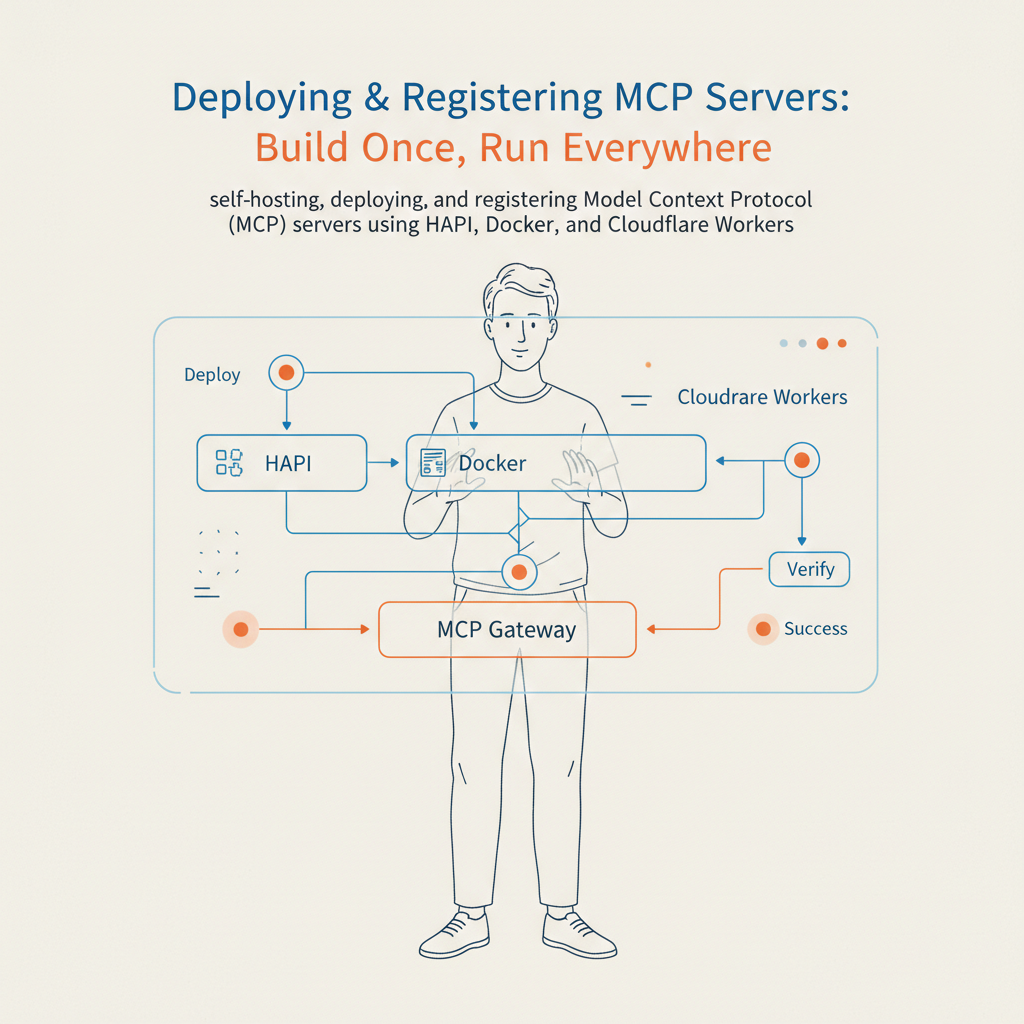
Deploying & Registering MCP Servers: Build Once, Run Everywhere

You’ve built an MCP server. It accesses data, performs actions, and works perfectly in your local development environment.
Now what?
To make your tools truly useful, they need to be accessible—whether by your team, your organization, or the global community of AI developers. This guide covers how to take your MCP server from localhost to production, and how to register it so it can be discovered.
Examples on the HAPI MCP Server repository.
The Connectivity Challenge
The Model Context Protocol (MCP) is revolutionizing how AI models connect to external tools. However, a protocol is only as good as its reach. If your server only lives on your laptop, its potential is limited.
Developers face several hurdles:
- Deployment Fatigue: Configuring Docker, k8s, or serverless functions for every new tool.
- Discovery: How do AI agents find your tool?
- Security: Exposing internal APIs to LLMs safely.
The Solution: Build Once, Deploy Everywhere
The philosophy behind the HAPI ecosystem is simple: Standardization. whether you are running a simple script or a complex enterprise API, the interface should be consistent.
We support three primary deployment modes:
- Local: For dev/test loops. (HAPI MCP Servers are remote-only, even when local.)
- Containerized (Docker): For standard enterprise hosting.
- Edge (Cloudflare Workers): For low-latency, global availability.
⚡ Quick Start: 3 Ways to Run
Option A — Run Locally with HAPI CLI
The fastest way to test. Great for development loops.
-
Install HAPI
# Linux / macOS
curl -fsSL https://get.mcp.com.ai/hapi.sh | bash

# Windows (PowerShell)
iwr -useb https://get.mcp.com.ai/hapi.ps1 | iex -
Serve your MCP
hapi serve pet-store \
  --port 3030 \
  --headless \
  --url https://petstore.swagger.io/v2 \
--openapi https://petstore.swagger.io/v2/swagger.json -
Verify it works With a quick curl command, you can verify your server is speaking MCP:
curl -s -X POST http://localhost:3030/mcp \
  -H "Content-Type: application/json" \
  -d '{"jsonrpc":"2.0","id":1,"method":"ping"}'
Option B — Run with Docker
Perfect for self-hosting on a VPS or within your internal Kubernetes cluster.
docker run -p 3030:3030 \
  -v ~/.hapi:/app/.hapi \
  hapimcp/hapi-cli:latest \
  serve pet-store \
  --port 3030 \
  --headless \
  --url https://api.my-service.com
Option C — Deploy to Cloudflare Workers
Go global instantly. This method deploys your MCP server to the edge, making it incredibly fast for distributed AI agents.
hapi login
hapi deploy \
  --name mcp-pet-store \
  --project pet-store \
  --openapi ./specs/petstore.json \
  --url https://api.my-service.com
🌍 Registering with the MCP Registry
Deployment is only half the battle. Discovery is the other.
To make your server discoverable by standard generic clients:
- Prepare Metadata: Ensure you have a clear name, description, and valid OpenAPI spec.
- Submit to Registry: Follow the steps in the official MCP registry documentation or the summary in our MCP Servers GitHub repo.
- Automate (Coming Soon - vote this feature!): We are considering
hapi registerto automate this flow directly from the HAPI CLI.
🔐 Security First
When moving from local to remote, security models change.
- Authentication: Always fully authenticate requests to your backend. HAPI manage OAuth flows defined in your OpenAPI spec.
- Isolation: Use environment variables for API keys; never hardcode them.
- Monitoring: Log your MCP tool invocations. Knowing what the AI is asking your tools is crucial for debugging and auditing.
Frequently Asked Questions
Details
What's the difference between running locally and deploying to production?
Local is optimized for speed and debugging. Production (Cloudflare, Fly.io, Docker) focuses on stability, security, and global availability. HAPI MCP servers are designed to be "remote-only" (HTTP Streamable) even when local, easing the transition.Details
Can I deploy the same MCP server to multiple platforms?
Yes. The configuration (OpenAPI spec + HAPI config) is portable. The destination is just a flag change.Details
How do I test an MCP server before registering it?
Use the MCP Server Evaluations skill or simplecurl commands to the jsonrpc endpoint.Details
Does HAPI support WebSockets or SSE?
Yes, HAPI uses a Streamable HTTP transport that supports both standard HTTP/POST interactions and SSE for real-time notifications.Details
What is the cost to deploy?
HAPI itself is free to use locally. Cloudflare Workers and other providers have their own pricing models, often with generous free tiers for low-volume usage.Ready to deploy? Check out the HAPI CLI Documentation and get started today.